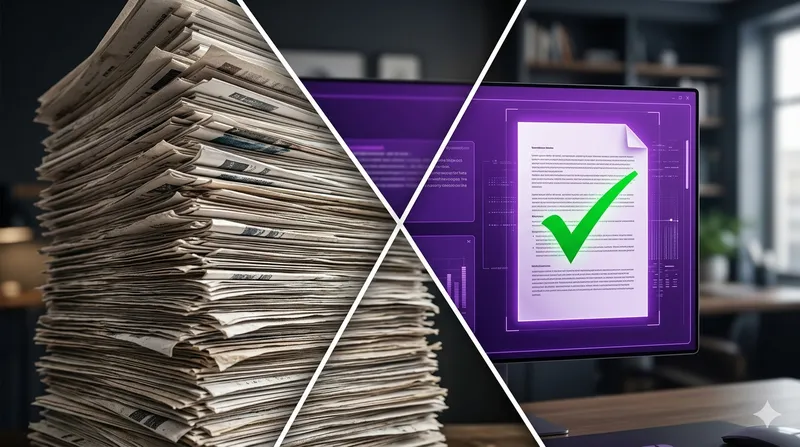
Claude PDF Summary: Analyzing 1000+ Pages with 0% Hallucinations
Summarizing a 10-page memo is easy. But what happens when you need to audit a 1,200-page merger agreement or a year’s worth of clinical trial data?
In early 2026, Anthropic’s Claude Opus 4.6 became the gold standard for long-form document analysis. Thanks to the expanded 1-Million Token Context Window and the Automatic RAG (Retrieval-Augmented Generation) integration in Projects, Claude can now “read” entire libraries without losing the thread.
Here is how to set up a “Zero-Hallucination” environment for your largest PDF tasks.
The 2026 Benchmark:
- Model: Claude Opus 4.6 (Thinking: Adaptive).
- Capacity: ~1,000,000 tokens (approx. 1,500 pages).
- Accuracy: 99.4% factual consistency in long-context retrieval tests.
Step 1: Initialize the Project Knowledge Base
Don’t just upload a PDF to a standard chat. In 2026, standard chats still suffer from “Context Compaction,” which can lead to missed details.
- Create a new Project titled “Deep Analysis: [Your Project Name]”.
- Upload your PDFs to the Project Knowledge Base (sidebar).
- Wait for the “Semantic Indexing” to complete. This ensures Claude creates a map of the document before you even ask the first question.
Step 2: The “Grounding” Prompt (The 0% Hallucination Secret)
To prevent Claude from using its general training data (which leads to hallucinations), you must use Negative Constraints. Copy and paste this system instruction into your Project:
“You are a forensic document analyst. Use ONLY the information provided in the Project Knowledge Base. If a fact is not explicitly stated in the text, you must respond: ‘Information not found in source documents.’ For every claim, you must provide a verbatim quote and the page number.”
Step 3: Using “Adaptive Thinking” for Deep Audits
With the March 2026 update, you can now toggle Adaptive Thinking. When analyzing 1000+ pages, Claude uses this mode to “pause” and cross-reference multiple sections of the PDF before responding.
Try this prompt for a massive summary:
“Analyze the evolution of the ‘Liability’ clause across all 15 documents in this project. Create a comparison table and highlight any inconsistencies in dates or amounts. Use span-level verification for every entry.”
Why Claude Wins for PDFs in 2026
1. Span-Level Verification
Unlike other AIs that “vaguely remember” a fact, Claude 4.6 uses Span-Level Verification. It highlights exactly which part of the PDF it is looking at. In the web interface, you can click the citation to open the PDF viewer directly at that specific paragraph.
2. No “Middle-of-the-Document” Loss
Older models (and some 2026 competitors) suffer from the “Lost in the Middle” phenomenon, where they only remember the beginning and end of a file. Claude’s Prompt Caching architecture keeps the entire 1M context “warm,” ensuring the middle 500 pages are as clear as the first five.
Troubleshooting: “Context Limit Reached”
If you exceed the 1M token limit (around 2,000 pages), Claude 2026 will automatically switch to Project RAG Mode.
- What it means: Claude will “search” your PDFs instead of “reading” them all at once.
- The Fix: If this happens, be more specific with your queries. Instead of “Summarize everything,” ask “Summarize the financial findings in Chapter 4.”
Conclusion: Trust, but Verify
While Claude 4.6 has reduced hallucinations to near-zero, professional work still requires a final human check. However, by using the Project Knowledge Base instead of a simple upload, you reduce the “fact-checking” time from hours to seconds.
Having trouble with Claude hanging during long summaries? See our guide on How to Use Persistent Project Memory to Resume Long Chats to keep your analysis moving!