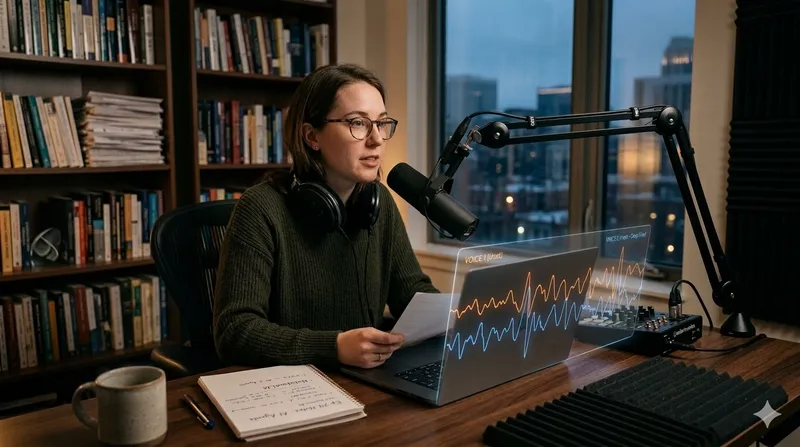
Reading through a 100-page research paper or a dense corporate strategy document is a chore. In 2026, you don’t have to. Google NotebookLM has revolutionized “reading” with its Audio Overview feature—a tool that takes your uploaded sources and turns them into a shockingly realistic, 2-person podcast.
Unlike standard text-to-speech, these AI hosts don’t just read the text; they discuss it, crack jokes, use analogies, and argue about the key points.
TL;DR
- Upload your sources — Supports PDFs, Google Docs, and web links.
- Generate “Audio Overview” — Get a 5-10 minute podcast summarizing everything.
- Use “Deep Dive” mode — In 2026, you can now prompt the hosts to focus on specific chapters.
- Perfect for commuters — Learn your material while driving or at the gym.
How to Create Your AI Podcast (Step-by-Step)
Step 1: Create a New Notebook
Go to notebooklm.google.com. Think of a “Notebook” as a private brain. Everything you upload here stays private and isn’t used to train public models.
Step 2: Upload Your Sources
You can add up to 50 sources per notebook. In 2026, NotebookLM supports:
- PDFs and Text files (up to 500,000 words per source).
- Google Docs & Slides.
- Live URLs (it will crawl the page for you).
Step 3: Generate the Audio Overview
Once your sources are uploaded:
- Open the Notebook Guide in the bottom right corner.
- Find the Audio Overview section.
- Click Generate.
Note: Generating a 10-minute deep dive usually takes about 3 minutes in 2026.
New 2026 Feature: Prompting Your Hosts
The biggest update in 2026 is the ability to guide the conversation. Before clicking generate, you can now add “Instructions.”
Try these prompts to get better results:
- “Focus only on the financial risks mentioned in Chapter 4.”
- “Make the conversation very technical for an audience of software engineers.”
- “Keep it short (under 5 minutes) and focus on the practical takeaways.”
Why Use NotebookLM Instead of Just Reading?
1. Superior Context Retention
Because the AI (powered by Gemini 1.5 Pro) looks at all your documents simultaneously, it can find connections between a PDF report and your handwritten Google Docs that you might have missed.
2. Auditory Learning on the Go
The 2nd-generation voices used in 2026 include natural breaths, “ums,” and “mhmms,” making it feel like you’re listening to a real Spotify podcast. It’s perfect for turning your commute into a study session.
3. Rapid Synthesis
The AI hosts are programmed to act as “Sense Makers.” They take complex jargon and translate it into plain English, often using brilliant metaphors to explain difficult concepts.
Tips for the Best Audio Quality
- Clean your PDFs: If a PDF has a lot of garbled text from a bad scan, the AI hosts might mention the “weird formatting” in the podcast.
- Combine sources: Don’t just upload one file. Upload the report AND your questions about it. The AI will often “answer” your questions during the podcast.
- Download for offline use: Use the download icon to save the
.wavfile to your phone so you don’t need a data connection to listen.
Conclusion: Is it Better Than Reading?
While a 10-minute podcast won’t capture every single detail of a 500-page manual, it is the fastest way to get the “big picture.” In 2026, NotebookLM has become the ultimate tool for students, researchers, and busy professionals who need to consume information at 10x speed.
Have you tried the new “Debate Mode” in NotebookLM? Let me know in the comments if you want a guide on how to make the AI hosts argue two different sides of a document!