
ChatGPT in 2026 is significantly more complex than it used to be. Models like GPT-5.2 Thinking are designed to reason deeply before responding — which feels slow by design. Add peak hour traffic, a long conversation thread, or a browser extension getting in the way, and you’ve got a recipe for frustrating lag.
The good news: most slowdowns are fixable in under two minutes.
TL;DR
- Switch from GPT-5.2 Thinking to GPT-5.3 Instant — fastest free fix
- Turn off Web Search if you don’t need real-time data
- Long conversations slow down over time — start a fresh chat
- Check status.openai.com before doing anything else
How to Fix ChatGPT Being Slow (Step-by-Step)
Fix 1: Switch to a Faster Model
Why it works: GPT-5.2 Thinking deliberately “reasons” before responding — that pause you see is the model working through a chain of thought. For everyday tasks, you don’t need that. GPT-5.3 Instant is the default fast model and handles most tasks just as well.
How to do it:
- Open chat.openai.com
- Click the model name at the top of the chat (usually shows “Auto” or the current model)
- Select GPT-5.3 Instant for maximum speed
- If GPT-5.3 isn’t available on your plan, choose GPT-5.2 Instant
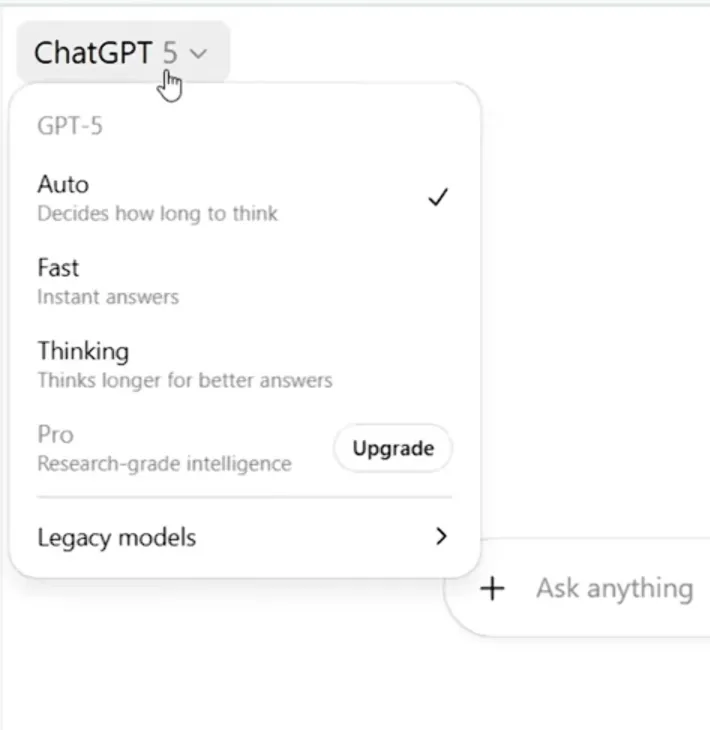
When to use Thinking models: Math, complex coding, financial analysis, multi-step reasoning. For everything else — emails, summaries, writing, Q&A — Instant is faster and good enough.
You can also use Auto mode, which automatically routes your prompt to Thinking only when it’s needed. If you’re constantly hitting slowdowns, switch to Instant manually instead of relying on Auto.
Fix 2: Turn Off Web Search
Why it works: When the Web Search icon is active, ChatGPT pauses before writing a single word — it browses the internet first. That adds 5–15 seconds to every response, even for prompts that have nothing to do with current events.
How to do it:
- Look at the prompt bar at the bottom of the chat
- Find the Globe icon — if it’s highlighted or active, click it to turn it off
- Send your message — response should start almost immediately

Only turn Web Search back on when you actually need current information — news, prices, recent events.
Fix 3: Start a Fresh Conversation
Why it works: ChatGPT re-processes the entire conversation history with every message. With GPT-5.3’s 400K token context window, a very long thread doesn’t just slow the model — it also forces your browser to re-render a large UI on every response.
How to do it:
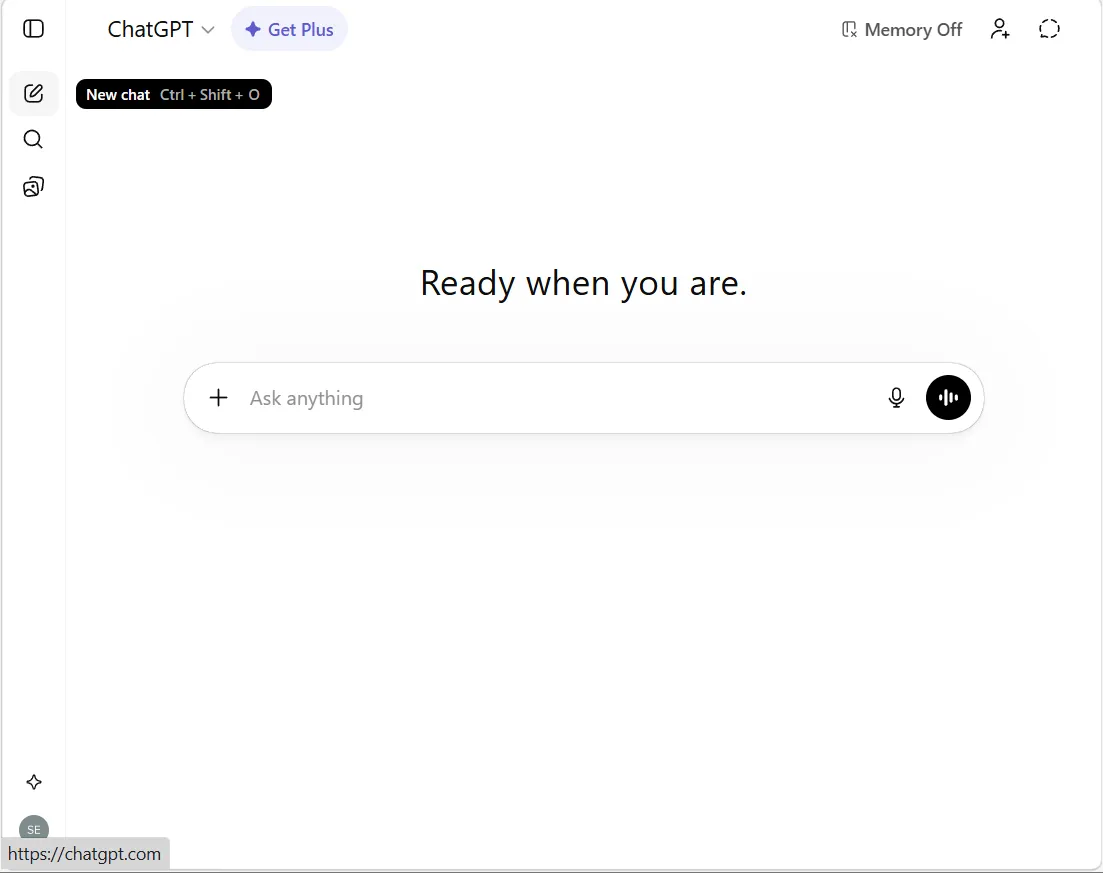
- Click the compose/pencil icon at the top of the left sidebar
- Start a new chat
- If you need context from the old thread, ask ChatGPT to “Summarize this conversation in 3–5 bullet points” and paste that into the new chat
Fix 4: Check Server Status and Use Off-Peak Hours
Why it works: During peak demand, OpenAI throttles response delivery. Free users are deprioritized behind Plus and Pro subscribers.
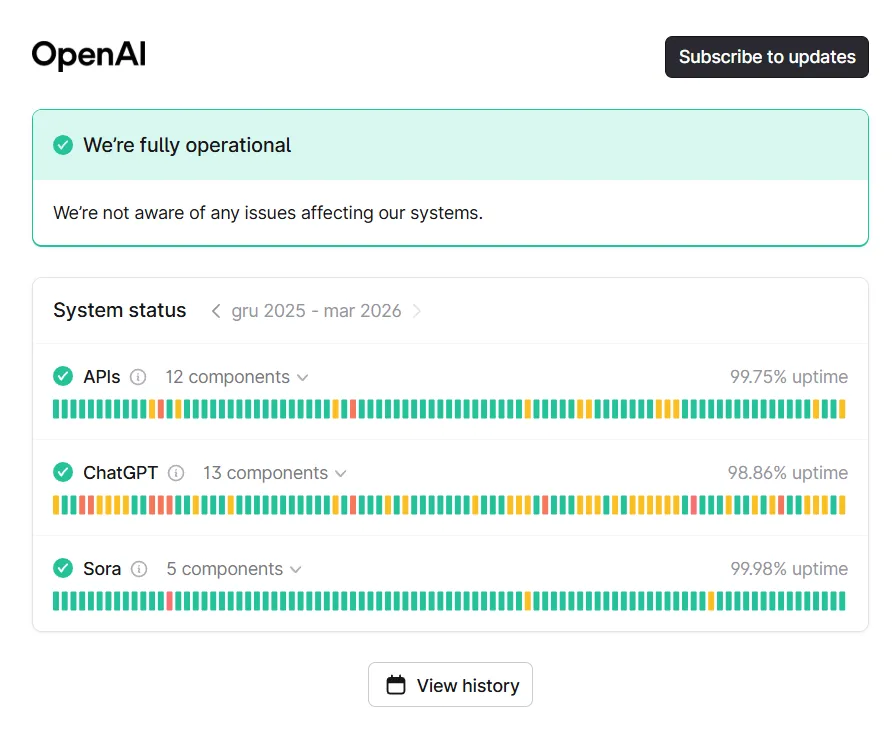
First — always check status.openai.com. If there’s an active incident, no local fix will help.
Peak hours to avoid: Weekdays 12 PM – 10 PM EST (6 PM – 4 AM CET)
Fastest times: Early morning 5–9 AM EST, late night after 11 PM EST. Weekends are reliably faster.
Fix 5: Clear Your Browser Cache
Why it works: ChatGPT’s interface (especially with the newer visual response features rolling out in 2026) stores a lot of local data. Outdated or corrupted cache can cause choppy streaming and slow load times.
Chrome:
- Press Ctrl + Shift + Delete (Win) or Cmd + Shift + Delete (Mac)
- Set time range to “All time”
- Check “Cached images and files”
- Click “Clear data”, then reload ChatGPT
Alternatively: Click the lock icon next to the URL → Cookies and site data → Manage on-device site data → Delete the openai.com entry.
Firefox: Ctrl + Shift + Delete → check “Cache” → Clear Now
Edge: Ctrl + Shift + Delete → check “Cached images and files” → Clear now
Fix 6: Test in Incognito Mode (Isolate Extensions)
Why it works: Ad blockers, VPN plugins, and AI wrapper extensions intercept ChatGPT’s WebSocket streaming connection and add real latency. Incognito disables most of them instantly.
How to do it:
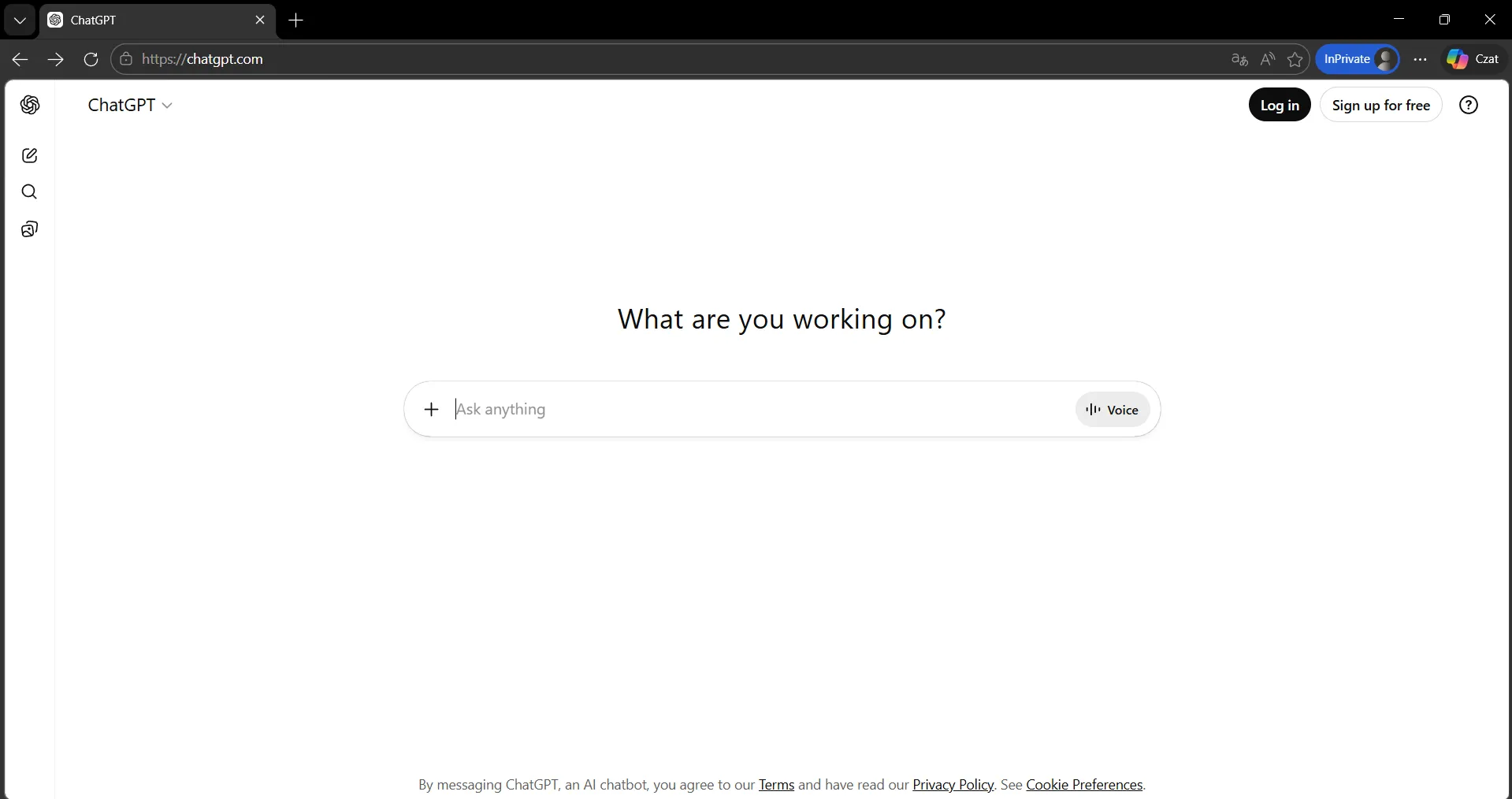
- Press Ctrl + Shift + N (Chrome/Edge) or Ctrl + Shift + P (Firefox)
- Open chat.openai.com and test the same prompt
If it’s faster in Incognito: Click the puzzle piece icon in Chrome’s toolbar, toggle extensions off one by one, reload ChatGPT after each.
Most common offenders: uBlock Origin, Privacy Badger, Ghostery, VPN extensions, Grammarly.
Fix 7: Try the Desktop App
Why it works: Browser tabs — especially with Chrome’s memory management — can suffer from memory leaks during long ChatGPT sessions. The official ChatGPT desktop app handles hardware acceleration more efficiently and avoids browser overhead entirely.
How to get it:
- Go to openai.com/chatgpt/download
- Download for Windows or macOS
- Log in with your OpenAI account
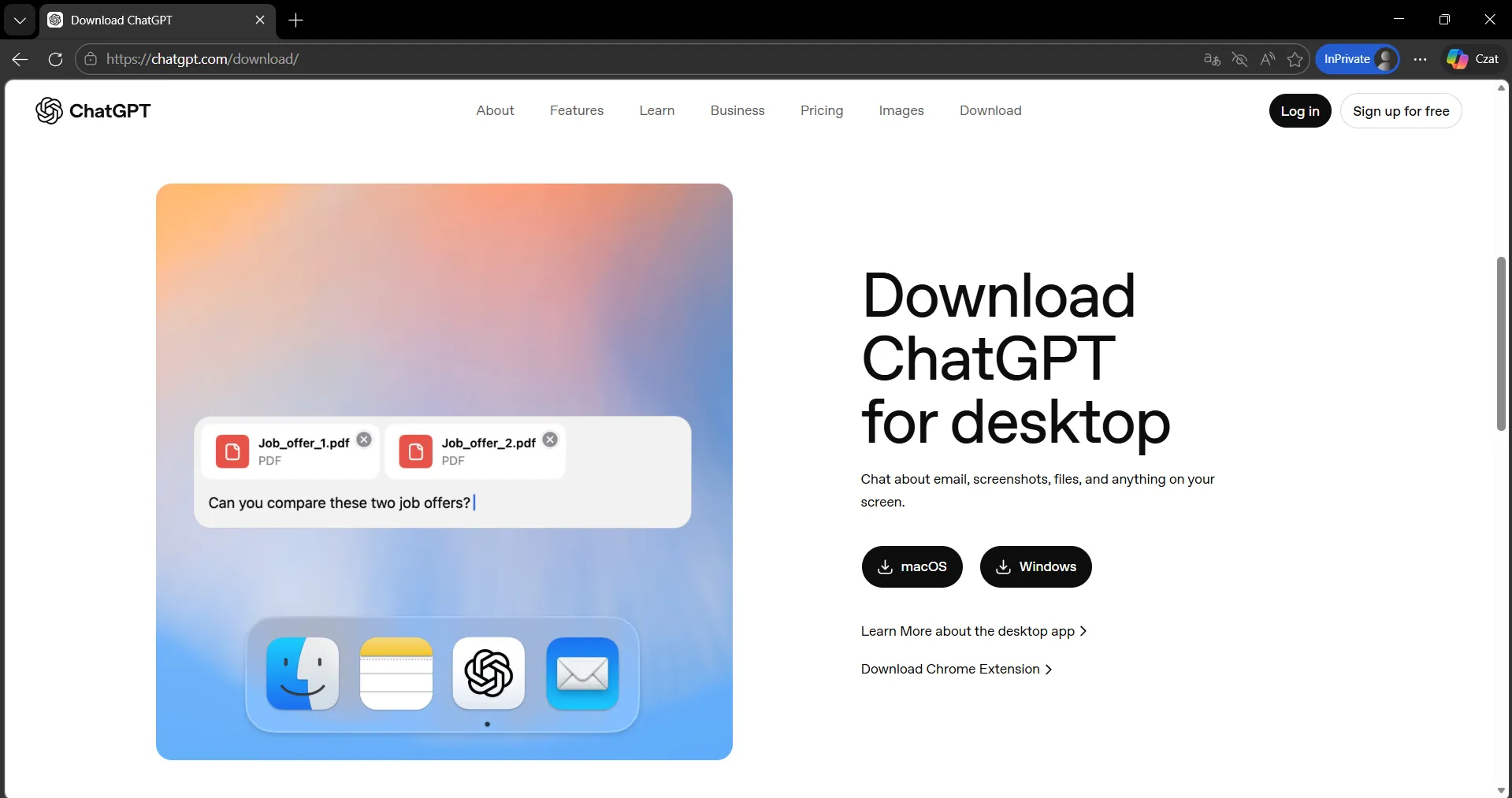
This is especially worth trying if you keep many browser tabs open or if Chrome feels sluggish in general.
Fix 8: Check Your Internet Connection
Why it works: ChatGPT streams responses token-by-token. A slow or unstable connection causes stuttering, pauses, and sometimes full stream failures.
Run a test at fast.com:
| Result | What it means |
|---|---|
| Under 10 Mbps download | Connection is contributing to lag |
| Ping above 100ms | Expect stuttering |
| Speeds look fine | Issue is server-side |
Quick fixes: Switch to wired ethernet, restart your router, disconnect other devices. If you’re on a VPN — turn it off. VPNs add routing hops and almost always increase latency to OpenAI’s servers.

Fix 9: Use the “Be Concise” Prompt Trick
Why it works: Shorter responses generate faster — fewer tokens to produce means less time to wait. On the Free plan this also reduces the chance of hitting a network timeout mid-response.
Add this to the end of any prompt:
“Be concise. No intro or outro. Direct answer only.”
It won’t work for every use case, but for quick Q&A, summaries, or code snippets it cuts response time noticeably.
Fix 10: Upgrade to ChatGPT Plus
Why it works: Plus subscribers get priority server access — during peak hours they’re processed before Free users. This is a documented feature of the plan, not a vague promise.
How to upgrade:
- Click your profile icon in the bottom-left sidebar
- Select “Upgrade plan”
- Choose ChatGPT Plus ($20/month)
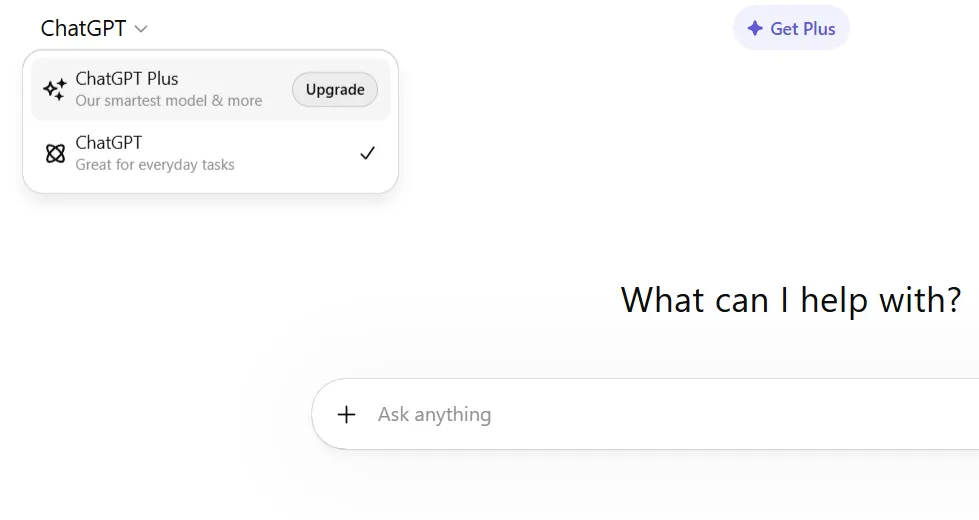
In testing, Plus users during peak hours consistently see faster responses than Free users on the same prompts. The gap is largest on weekday afternoons.
Why is ChatGPT Slow? (The Real Causes)
Thinking models — GPT-5.2 Thinking pauses to reason before answering. That “thinking…” spinner is intentional. Switch to Instant if you don’t need deep reasoning.
Web Search enabled — Every response with Search active waits for live browsing results before generating. Adds 5–15 seconds even when unnecessary.
Server overload — Peak hours throttle delivery for everyone, Free users most. Same prompt can run 3–5x faster at off-peak times.
Long conversation history — ChatGPT re-reads the full thread with every message. Longer = slower. GPT-5.3’s 400K context window makes this worse in the browser.
Browser extensions — Ad blockers and VPN plugins intercept the streaming connection and add real latency.
Your connection — Under 10 Mbps or above 100ms ping will show up as stuttering.
Free vs Plus — Priority access is built into the Plus plan. During busy periods, Free users wait longer by design.
2026 Model Speed Reference
| Model | Speed | Best For |
|---|---|---|
| GPT-5.3 Instant | ~1–2 seconds | Everyday tasks, writing, Q&A |
| GPT-5.2 Instant | ~2–4 seconds | General work on Plus/Pro |
| GPT-5.2 Thinking (Standard) | 10–20 seconds | Complex reasoning, coding |
| GPT-5.2 Thinking (Extended) | 30–90+ seconds | Deep analysis, hard math |
| + Web Search active | +5–15 seconds | Real-time info only |
Does ChatGPT Plus Actually Make It Faster?
Yes — but it’s not a magic fix. Plus gives priority server access, which matters most during peak hours. Thinking models are still slower than Instant regardless of your plan, and during severe outages everyone is affected.
Worth it if you use ChatGPT daily, need Thinking models regularly, or slow responses are costing you real time.
Skip it if GPT-5.3 Instant on the Free plan covers your needs or you use ChatGPT occasionally.
Frequently Asked Questions
Q: Why is ChatGPT so slow today? A: Most likely high server traffic. Check status.openai.com first. If no incident is listed, switch from GPT-5.2 Thinking to GPT-5.3 Instant and try Incognito mode.
Q: Why is ChatGPT slow on my phone? A: Weak signal, mobile browser limitations, or a VPN app interfering. Try the official ChatGPT iOS or Android app instead of the mobile browser.
Q: Is ChatGPT faster with a VPN? A: Almost never. A VPN adds routing hops and increases latency. Turn it off and test first.
Q: Why does ChatGPT take so long to respond? A: The main factors are which model you’re using (GPT-5.2 Thinking is slow by design), server load, and long conversation history.
Q: Does ChatGPT get slower with long conversations? A: Yes. It re-processes the full thread with every message. Start a new chat and paste a short summary of context instead.
Conclusion
Most ChatGPT slowdowns in 2026 come down to one of three things: you’re on a Thinking model when you don’t need to be, Web Search is on, or it’s peak hours. Switch to GPT-5.3 Instant, toggle off Search, and open a fresh chat — that alone fixes the majority of cases. If you’re a daily user, Plus is worth it for the priority access alone.